


If Stripe rejected your UK company, the first instinct is often to start again somewhere else: a new company, a new bank, a different country. Very often the problem is much smaller. Stripe reviews your business website, and a missing refund page, a hidden contact address or unclear prices can be enough to hold an application up. This guide covers what Stripe looks for on a website and how to check yours for free before you apply again.
Launchese is not affiliated with Stripe, and nothing here guarantees an approval. Stripe makes its own decisions. But fixing what you can control is the right first step.
Why Stripe looks so closely at your website
Stripe has to understand what you sell, who you are and how customers can reach you. Its own help centre says your website should clearly show your business and what you offer, and it publishes a list of prohibited and restricted businesses that it will not support or will only support with extra checks.
For founders running a UK company from abroad, the website is often the only thing a reviewer sees. If it looks unfinished, the application is harder to approve.
The four areas that cause most problems
- Contact details. A way to reach you: an email address, and ideally a business address and phone number. A UK company with a London address can show that address.
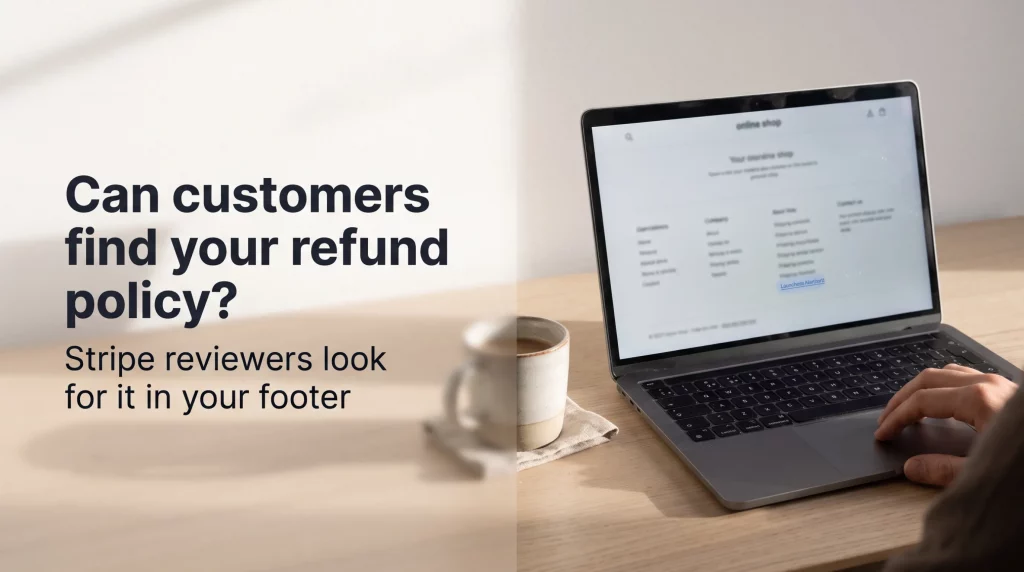
- Refund, returns and cancellation terms. A clear policy, easy to find from every page, usually in the footer.
- Terms and privacy. Terms of service and a privacy policy that match what you actually sell.
- Products and prices. What you sell, described in plain words, with prices visible before checkout. “Coming soon” pages and placeholder products are a common problem.
There are smaller points too: a working site with no broken links, a domain that matches your business name, and a business description that matches what you told Stripe in the application.
Check your site in two minutes
20 points against Stripe's published website requirements. No signup.
Run the free checkHow the free Stripe website check works
Our Stripe Compliance Checker scans your website against 20 points based on Stripe’s published requirements. You enter your web address, it runs the checks, and you see which points pass and which need work. There is no signup.
It is a website check, not a Stripe decision. A pass does not mean Stripe will approve you, and it does not see your application. What it does is show you what to fix before a reviewer sees it.

Checklist after you run it:
- ☐ Contact page with an email and address
- ☐ Refund or returns policy linked in the footer
- ☐ Terms of service and privacy policy
- ☐ Every product with a clear description and price
- ☐ No placeholder text or “coming soon” products
- ☐ Business name on the site matches your company
Your company details matter too
Stripe also checks that the company behind the website is real and matches what you told it. Your company name, registered address and directors should be the same everywhere: on Companies House, on your website and in your application. If you formed your company with Launchese, these details are in your dashboard.
If you would like help getting everything ready, our Stripe set-up service starts from £115 (see Stripe set-up). If you have not formed your UK company yet, our plans start at £9 plus the £100 Companies House fee.
A worked example: the “nearly ready” shop
Imagine a founder in Istanbul selling handmade leather goods through a new UK company. The shop looks good, but the footer links to a refund page that says “coming soon”, the contact page has only a form, and three products show “price on request”. Each of those is a small thing. Together they make the business hard for a reviewer to understand.
The fix took an afternoon: a written returns policy linked from every page, an email address and the company’s London business address on the contact page, and real prices on every product. None of that needed a new company or a new bank.
What to write on your refund and terms pages
Keep it plain. Say how long customers have to ask for a refund, how they ask, who pays for returns and how long the refund takes. For digital products or subscriptions, say how cancellation works. Your terms of service should name your company, describe what you sell and say which law applies. If you sell to customers in other countries, say so.
Avoid copying a template that mentions products you do not sell. Reviewers notice when the terms describe a different business.
When the website is not the problem
Sometimes the website is fine and the reason is the business itself. Stripe publishes a list of prohibited and restricted businesses, and some activities need extra checks or are not supported. If your business is on that list, a better website will not change the answer, and it is worth looking at other payment options.
Frequently asked questions
Can I reapply to Stripe after a rejection?
That depends on Stripe and the reason it gave. Fix what you can control on your website first, then follow Stripe’s instructions.
Does the free check guarantee Stripe will approve me?
No. It checks your website against published requirements. Stripe makes its own decision.
Do I need a UK address on my website?
You need clear contact details. A business address helps reviewers see who you are.
Is the check really free?
Yes, with no signup.
Does the check look at my Stripe account or my company?
No. It only reads your public website. It cannot see your Stripe application or your company records.
I sell digital products or subscriptions. What matters most?
Your refund and cancellation terms. Say clearly how customers cancel, whether downloads can be refunded, and how renewals work, and link those terms from every page and from checkout.
In short
Stripe reviews your website as well as your company. Before you reapply, make sure your contact details, refund and terms pages, products and prices are clear, and that your company details match everywhere. Run the free check, fix what it shows, and only then apply again.
Where Launchese fits in
We help founders from more than 100 countries form and run UK companies and get them ready to take payments. If you would rather talk it through, book your free 15-min advisory call today.
Sources: Stripe, business website requirements for account activation; Stripe, prohibited and restricted businesses.
This is general information, not legal advice.


