

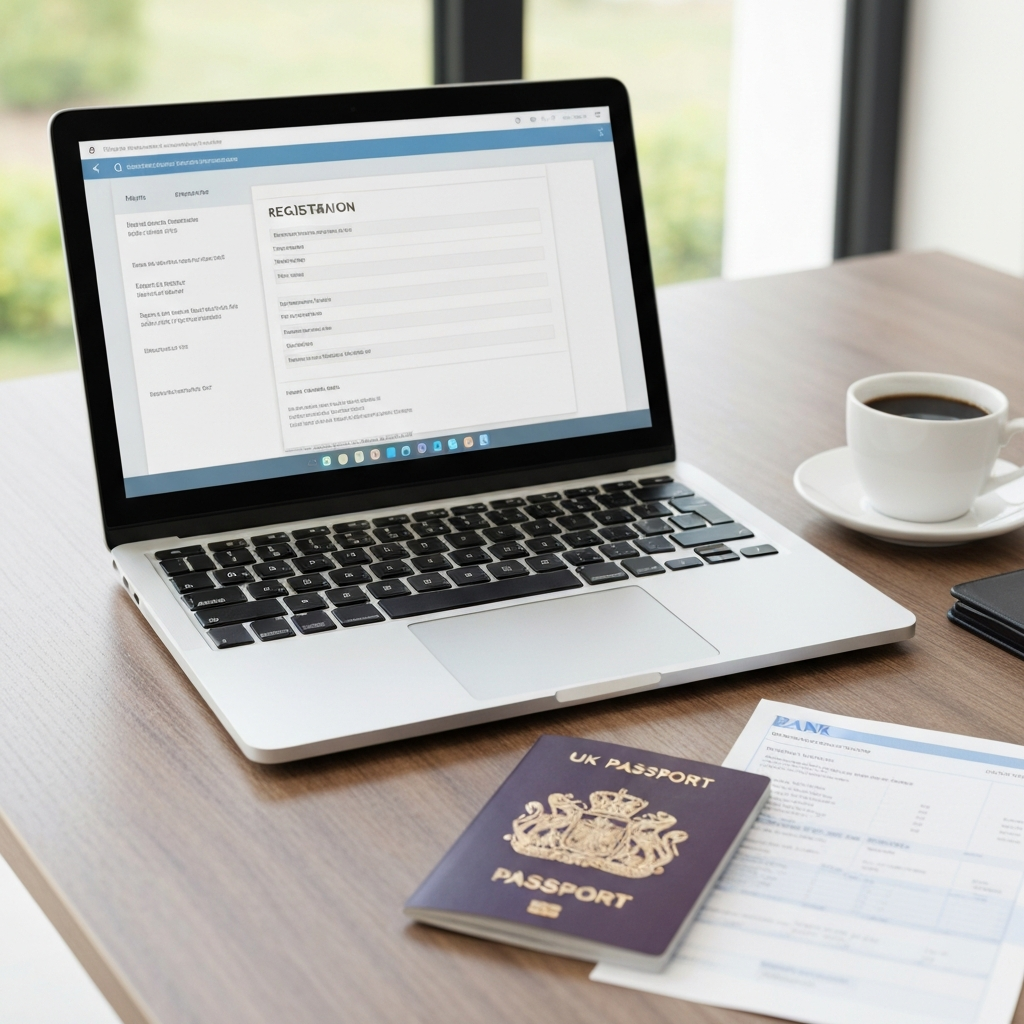
To open a business Payoneer account for your UK company, register at Payoneer.com, select the business (not personal) account type, enter your company details, verify your phone and address, add a bank account for microdeposits, upload your documents, complete the UBO questionnaire, then submit. Verification usually takes 1 to 3 business days (up to 5). Get the document formats right the first time and you avoid the rejections that trip up most non-resident founders.
This is the practical version. No theory, just the exact steps and the traps to skip.

Why a Business Payoneer Account (Not a Personal One) Matters for Your UK Company
A personal Payoneer account is tied to you as an individual. A business account is tied to your UK Ltd, which is what you want when payments come from clients, marketplaces or platforms that need to pay a company, not a person.
Payoneer runs in 190+ countries and supports 70 currencies. It plugs into 2,000+ marketplaces including Amazon, Fiverr, Upwork, Airbnb and Etsy. For a non-resident founder who can’t easily open a high street account, that reach is the whole point.
The account is free to open and free to maintain. No monthly fee. You pay per transaction and on currency conversion, but there’s no cost to having it sit there ready.
One thing to be clear on: Payoneer is not a full UK current account. No direct debits, no overdraft, no FSCS protection. Treat it as a receiving and paying tool, not your only banking. Many founders pair it with something like a Tide business account for non-UK resident directors for the day-to-day side.
What You Need Before You Start (Quick Checklist)
Get these ready before you touch the sign-up form. Missing or badly formatted documents are the number one reason applications stall.
- Certificate of Incorporation from Companies House (your official proof the company exists)
- Government-issued photo ID for each UBO. This must be a JPG photograph, not a PDF scan. A phone photo of your passport works. A scanned PDF often gets rejected.
- Bank statement from the last 3 months, showing your address, full bank details and actual transactions
- Company address verification
- Business details questionnaire (what you do, expected volumes)
- Your website or business URL
- UBO questionnaire for anyone holding 25% or more of the shares
- Executive manager ID if the manager on the account differs from the UBO
For the complete breakdown of accepted formats and edge cases, read our full Payoneer document requirements checklist. It covers the details this post keeps short on purpose.
Step-by-Step: How to Open a Business Payoneer Account
Here’s the full business Payoneer account setup, in order. Do them in sequence and don’t skip ahead.
Step 1 — Go to Payoneer and Select the Right Account Type
Head to Payoneer.com and start the registration. When asked what type of account you want, choose the business or company option, not personal. This single choice decides which documents you’ll be asked for later, so getting it wrong means starting over.
Step 2 — Enter Your Company Details
Type your registered company name exactly as it appears on your Certificate of Incorporation. Same spelling, same suffix (Ltd or Limited). You’ll enter your company number, registered address, and the nature of your business. Consistency here matters because Payoneer cross-checks it against your uploads.
Step 3 — Verify Your Business Phone Number and Address
Payoneer sends a code to the phone number you enter. Use a number you actually control. You’ll also confirm your business address, which should match your company address verification document.

Step 4 — Add Your Bank Account for Microdeposit Verification
You’ll link a bank account so Payoneer can pay out to it. Payoneer verifies this account by sending a small microdeposit. You then confirm the exact amount that landed. This proves you own the account. It can take a day or two for the deposit to show, so start this early.
Step 5 — Upload Your Documents in the Verification Center
This is where most applications get held up. Go to the Verification Center and upload each document requested. Two rules that save you a rejection:
- Your ID must be a clear JPG photo, not a PDF scan. Good lighting, all four corners visible, no glare.
- Your bank statement must be from the last 3 months and show your address plus real transactions, not a blank summary page.
Upload your Certificate of Incorporation, your photo ID, the bank statement, and your company address proof. Double-check every file opens cleanly before you submit.
Step 6 — Complete the UBO Questionnaire
The Payoneer UBO questionnaire covers ultimate beneficial owners: anyone holding 25% or more of the company. You’ll declare who they are and their ownership share. If you’re a solo founder owning 100%, that’s just you. If you have co-founders above the 25% line, each needs to be listed, and each needs a photo ID. Answer honestly and match the ownership on your Companies House record.
Step 7 — Submit and Wait for Approval (Timeline Explained)
Once everything is in, submit. Payoneer account verification typically takes 1 to 3 business days, sometimes up to 5 if they need a second look. You’ll get an email when your Payoneer account is approved, or a request for more information if something’s off. Reply fast to any request; delays usually come from slow responses, not slow reviewers.
5 Reasons Payoneer Rejects Business Accounts (and How to Avoid Each One)
A Payoneer account rejected notice is almost always fixable, and most rejections are avoidable. Here are the five that come up again and again.
| Rejection reason | How to avoid it |
|---|---|
| ID or address mismatch | Make the name and address identical across your ID, bank statement, and company records |
| PDF scan instead of a JPG photo | Take a phone photo of your ID and upload the JPG. Never a scanned PDF. |
| Unclear or expired documents | Good lighting, all corners visible, and check nothing has expired |
| Existing account already registered | Don’t register twice. If you had a personal account, tell support before opening a business one. |
| Insufficient business activity evidence | Have a live website and be specific about what you sell and expected volumes |
Country restrictions also apply in some regions. If Payoneer doesn’t support your country of residence, a UK company can change the picture because the account is tied to the company, not just to you. This is exactly why so many founders form a UK Ltd first.
Want to get Payoneer approved fast? The single biggest lever is document quality. Clean JPG photos, a recent bank statement, and matching details across the board will do more than anything else.
What Happens After Approval — Setting Up Local Receiving Accounts (GBP, USD, EUR)
Once your Payoneer account is approved, the real value shows up: local receiving accounts. Payoneer gives you account details that behave like a local bank account in each currency.
- GBP receiving account (UK)
- USD receiving account (US)
- EUR receiving account (Eurozone)
- AUD, CAD, JPY and more
A US client can pay your USD details as if paying a US company. A European marketplace pays your EUR details locally. No expensive international wires, no confused customers. This is what makes Payoneer for UK companies genuinely useful for cross-border work.
If you’re selling online, pair Payoneer with a card gateway. Our Stripe vs PayPal vs Wise comparison breaks down which one fits which model, and if you run Shopify, here’s setting up Stripe for your Shopify store. Payoneer handles marketplace and freelance payouts well; Stripe handles direct card checkout. Most founders run both.
Payoneer for UK Companies: Who It’s Best For (and When to Use Something Else)
Payoneer is a strong fit if you:
- Sell on Amazon, Etsy, Fiverr, Upwork or similar marketplaces
- Invoice international clients and want local receiving details
- Can’t easily open a traditional UK account as a non-resident
- Want a free account with wide currency coverage
Reach for something else when you need true banking: direct debits for subscriptions, an overdraft, or FSCS-protected deposits. Payoneer doesn’t do those. For direct card checkout on your own site, you’ll want Stripe consulting to get your gateway approved cleanly.
If you haven’t formed the company yet, do that first. Our ProLaunch plan includes UK company formation plus Payoneer setup assistance, so you get your Certificate of Incorporation and the account walkthrough in one go. If you want an enhanced address and Tide alongside it, the Digital Pro Suite bundles those too. Not sure which fits? Compare all plans here.
For the official record of your company and to confirm your Certificate of Incorporation details, you can always check Companies House directly.
FAQ
How long does it take to open a business Payoneer account?
Registration takes 15 to 20 minutes if your documents are ready. Payoneer account verification then usually takes 1 to 3 business days, up to 5 if they request extra information.
Do I need a Certificate of Incorporation to open a business Payoneer account?
Yes. Payoneer requires your Certificate of Incorporation from Companies House as proof the company exists. Upload a clear copy that matches the company name you entered.
Why do I have to upload a JPG photo of my ID instead of a PDF?
Payoneer wants a genuine photograph of your ID, not a scanned document. Scanned PDFs are a common reason applications get rejected. Use your phone camera and save it as a JPG.
What is the Payoneer UBO questionnaire?
The UBO (ultimate beneficial owner) questionnaire asks you to declare anyone holding 25% or more of the company. Each listed owner also needs a photo ID. Match this to your Companies House ownership record.
Is a Payoneer account free?
Yes, opening and maintaining a Payoneer account is free with no monthly fee. You pay per transaction and on currency conversion instead.
Can I use Payoneer instead of a UK current account?
Not fully. Payoneer has no direct debits, no overdraft and no FSCS protection. Use it for receiving and sending payments, and pair it with a proper business account for daily banking.
What should I do if my Payoneer account is rejected?
Check the reason in the email. Most rejections come from mismatched details, PDF scans, unclear images or expired documents. Fix the specific issue, re-upload clean files, and respond quickly to any support request.